Built for calm early learning at home and in school Free to use No ads No data collection More updates to come
Kids Learning Time © 2026 Peters Blueprints

A kinder first learning app for parents, teachers, and little ones.

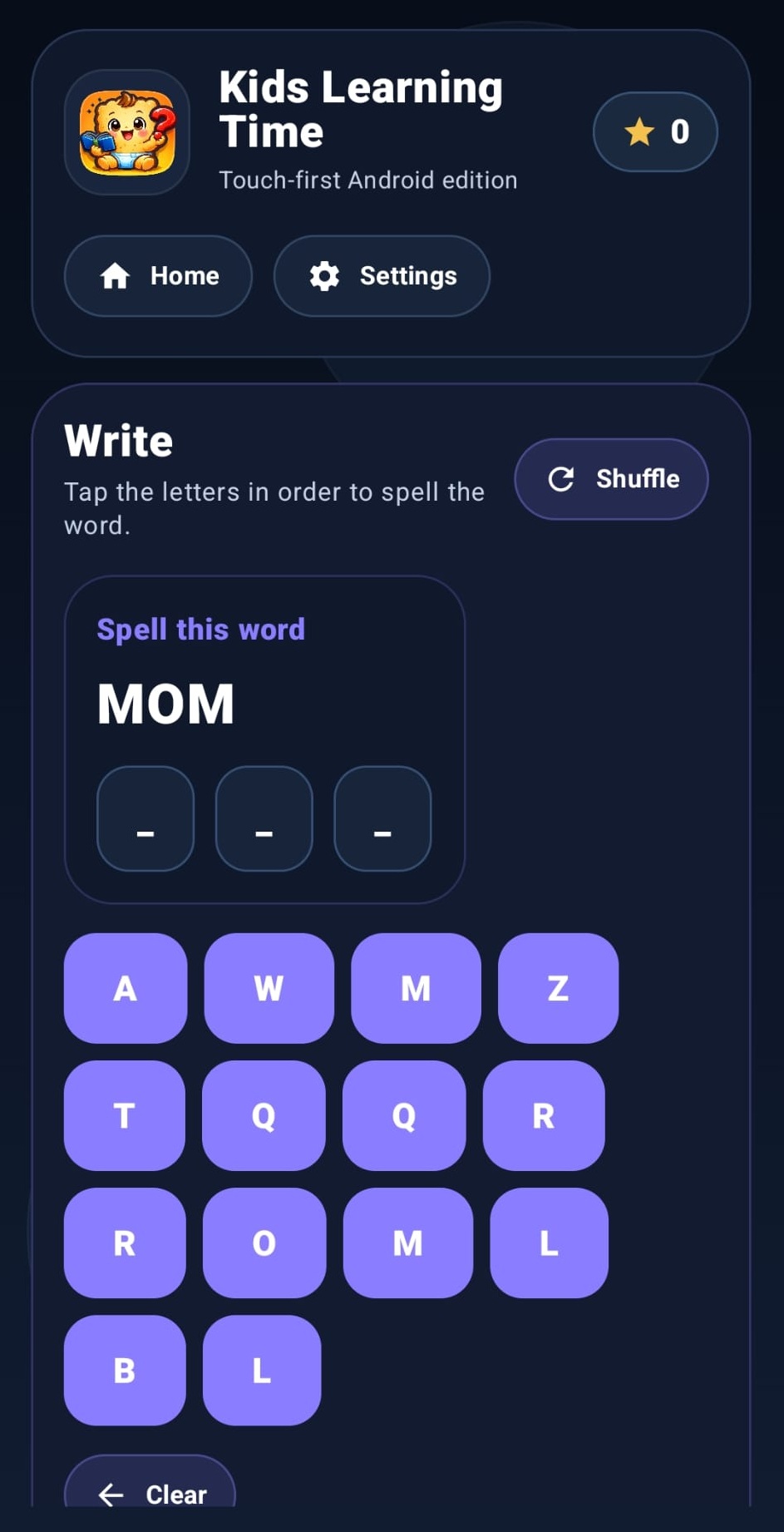
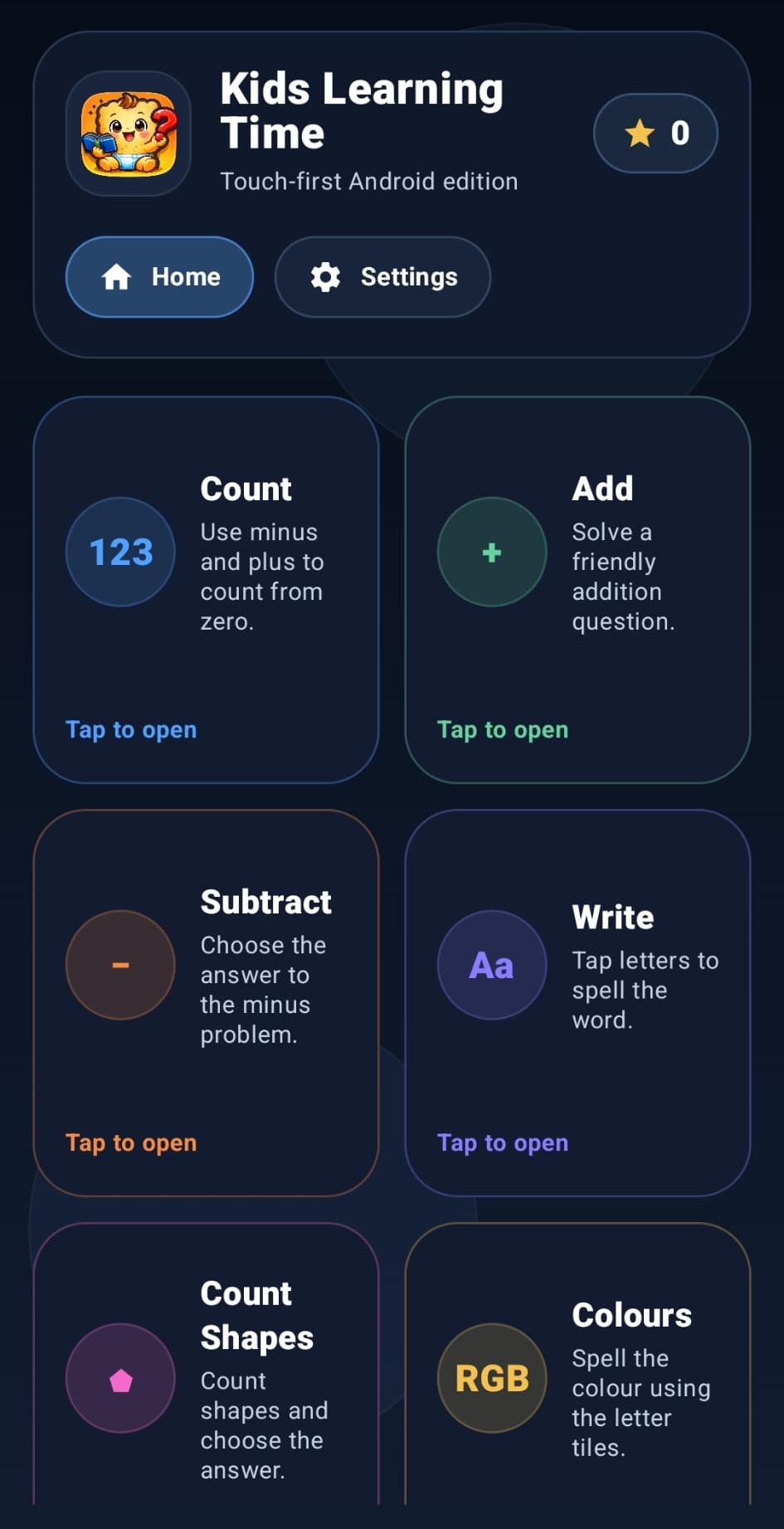
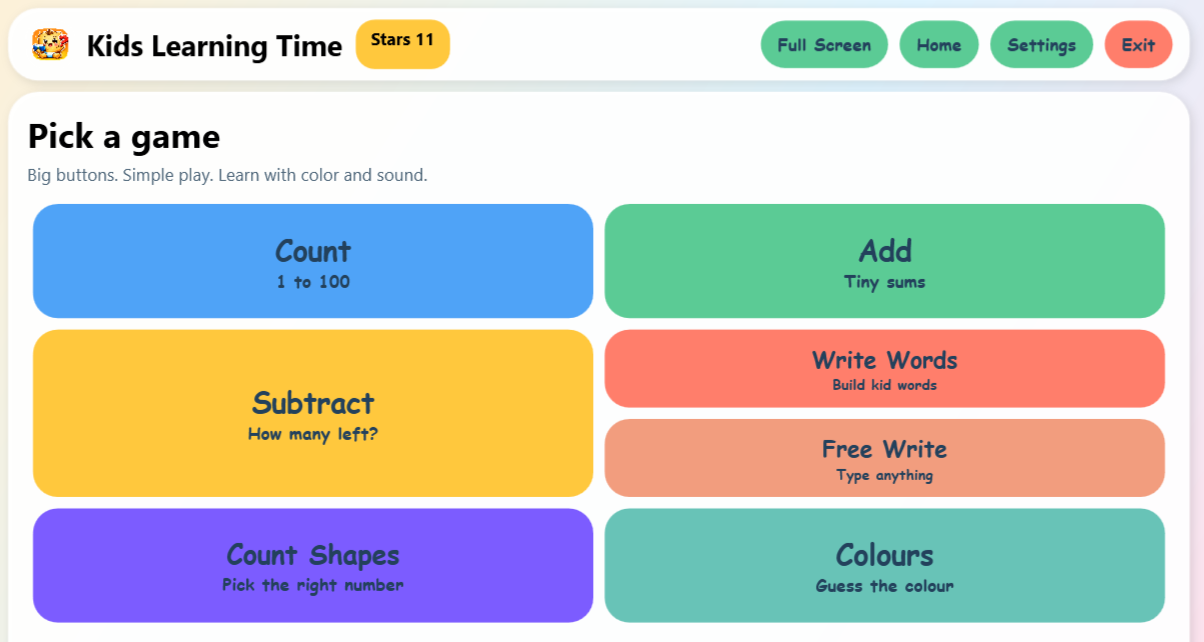
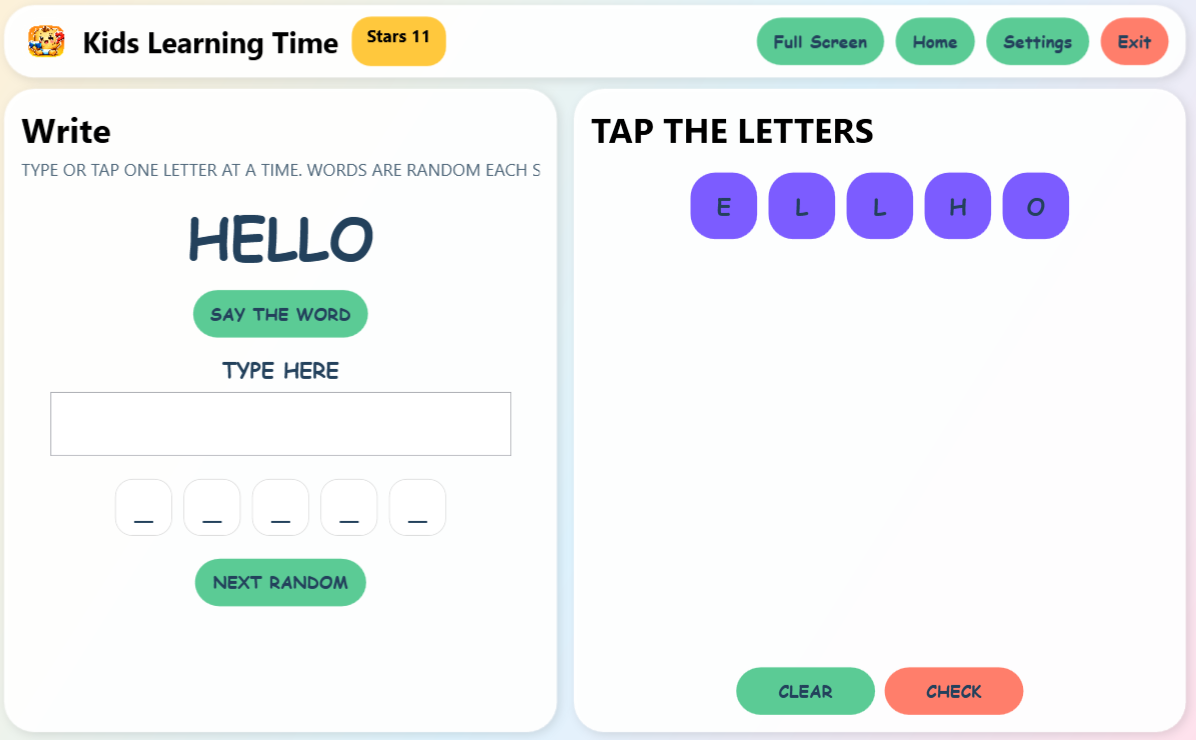
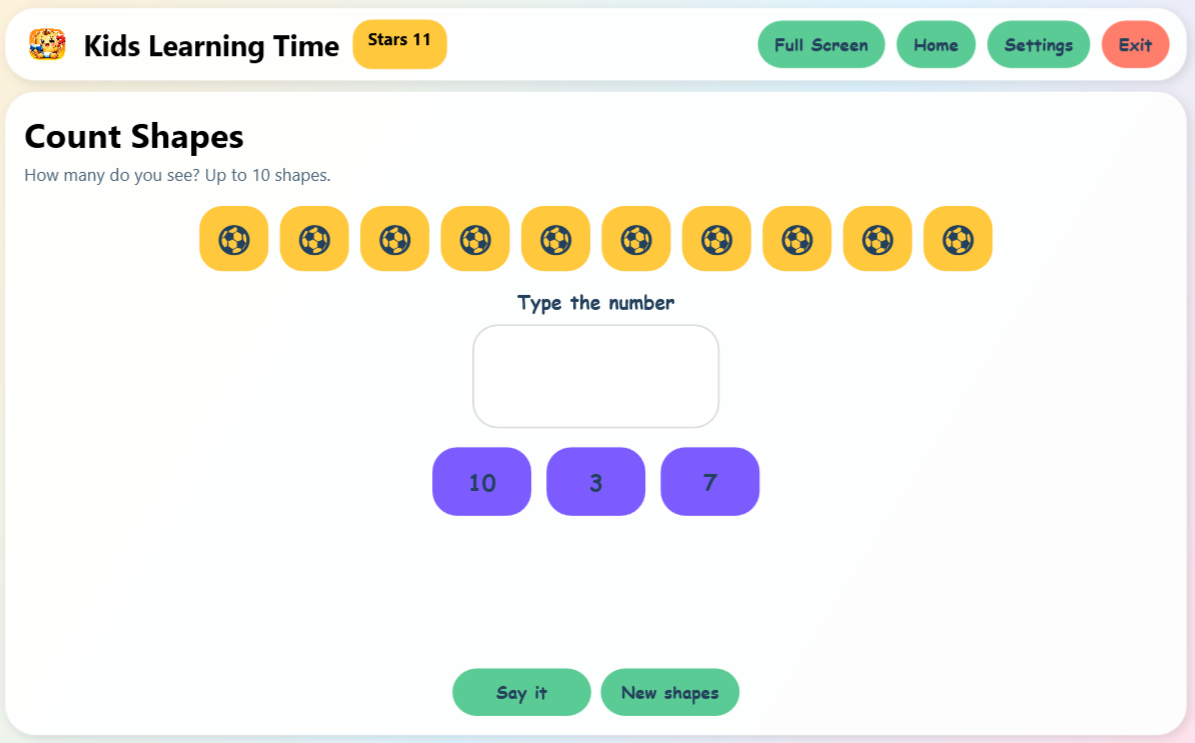
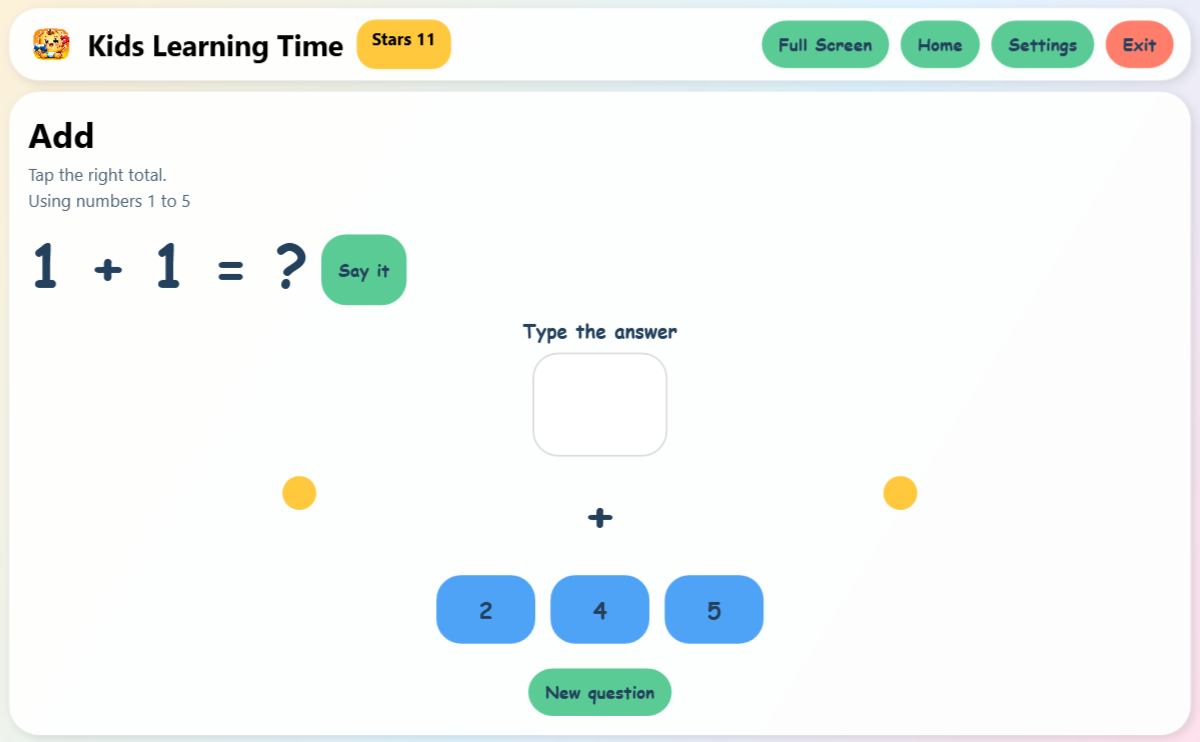
Kids Learning Time gives young children a bright, guided place to practise counting, shapes, colours, simple maths, useful communication words, and free writing without ads, accounts, or overwhelming menus.

Download for Windows Visit project website
Child-friendly design Large buttons, clean screens, and simple play flow.
Parent-safe setup Controls for sound, words, limits, and progress all stay local.
Useful in real life Strong enough for home, intervention work, and classroom trials.
Freefor families and classrooms
Offlineafter install
Large interfacedesigned for little ones
Local progresssaved on the device
Available now

Windows desktop

The main Windows app is live now with guided install, offline use after setup, bright child-friendly screens, and adult controls that stay easy to manage.

Microsoft Store Download
Simple install Offline learning Made for little ones
Android live

Android phones and Fire tablets

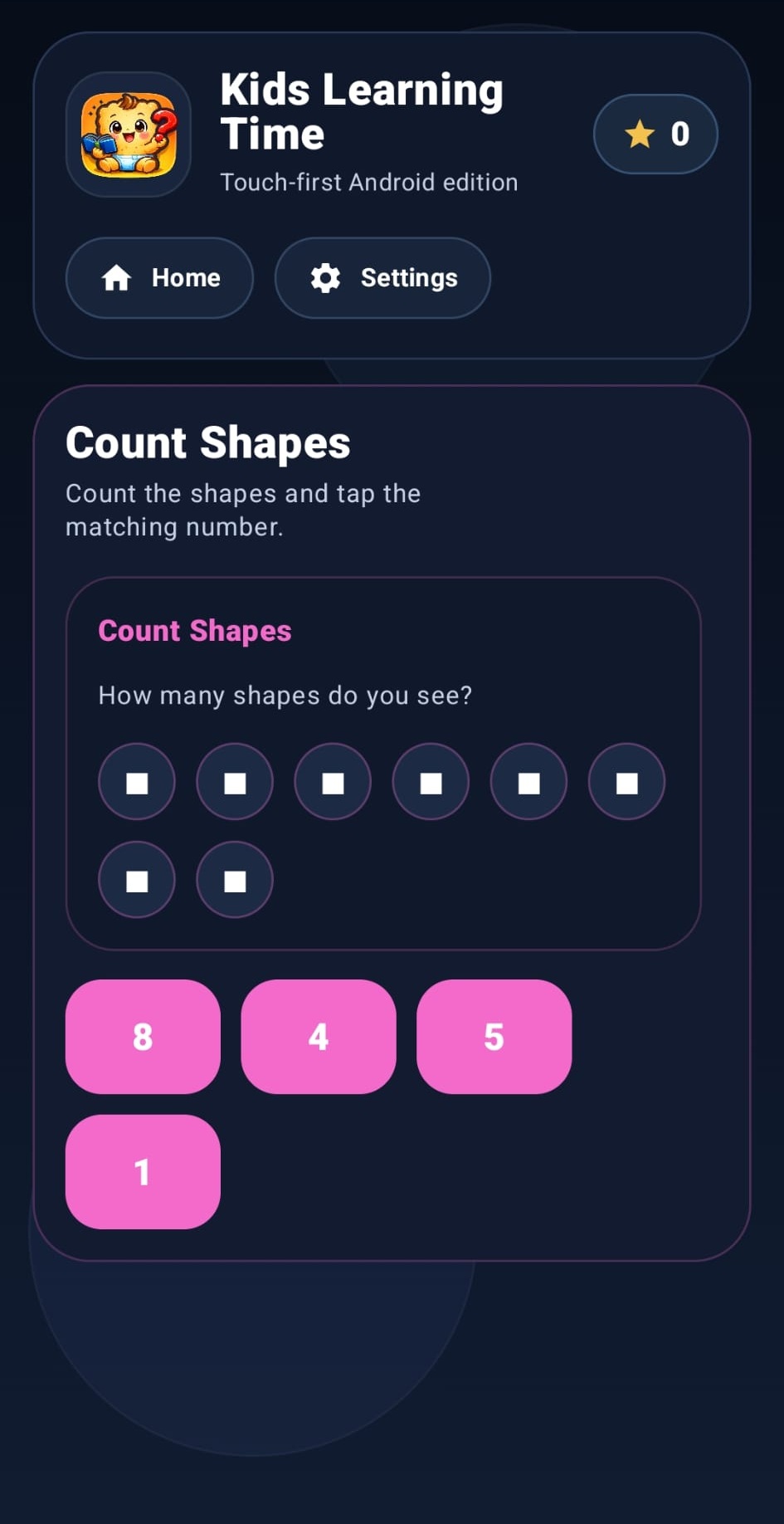
Android phone and Android / Fire tablet downloads are live now, giving families and schools another fast route to early learning without waiting on a browser setup.

Android phones Amazon / Fire Classroom-ready pilot use
Pending approvals

Stores and next release channels

Microsoft Store approved. Google Play approval pending. iOS source work exists already, and the next release steps are focused on cleaner install paths and broader rollout.

Microsoft Store approved. Google Play approval pending Mac build in progress

Who this is for

Useful today for parents, teachers, and schools.

This version keeps the message direct: children get a calmer interface, adults get clearer control, and schools get something that can genuinely be trialled.

Parents and carers

Use it for calm daily practice with a child-friendly full-screen layout, big controls, and clear spoken feedback when voice is enabled.

Teachers

Use it for short stations, 1-to-1 support, intervention corners, and early skills practice without sending children into a browser or ad-filled game.

Schools and specialist settings

Use it as a practical pilot for literacy, numeracy, communication word work, and simple independent learning on shared devices.

What children practise

Core early skills already inside the app.

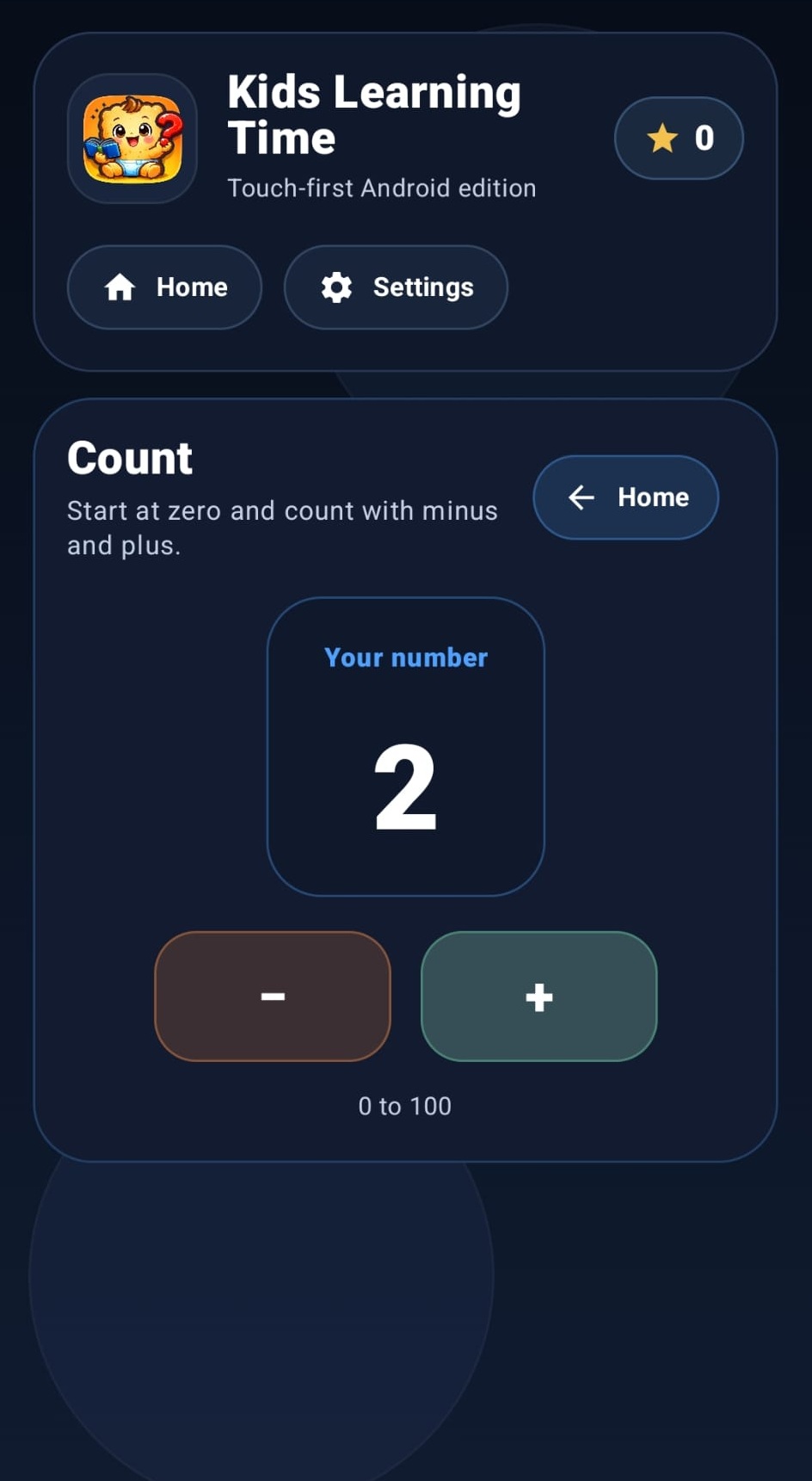
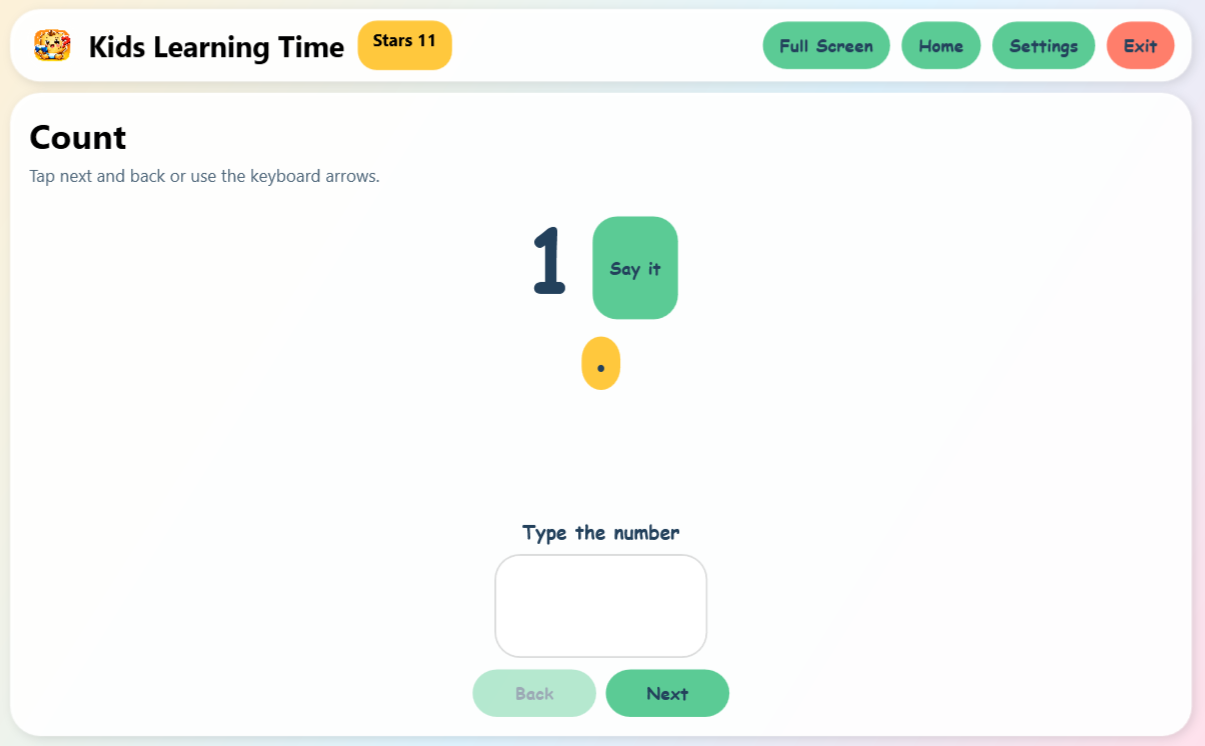
Counting 1 to 100with visual support and typing practice
Count familiar shapeswith larger recognisable visuals
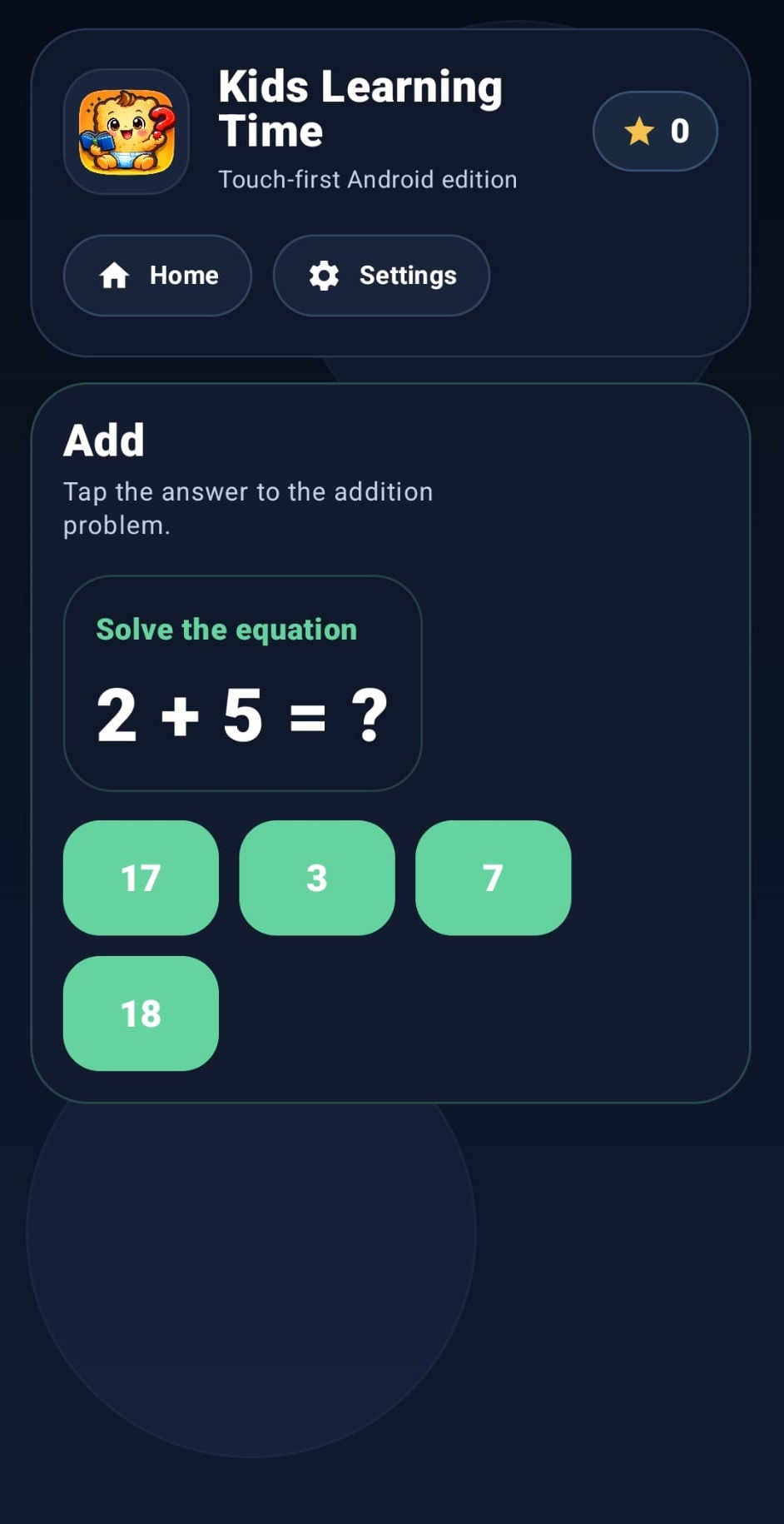
Simple additionwith click and type answers
Simple subtractionkept child-appropriate and non-negative
Useful wordsfocused on practical everyday communication
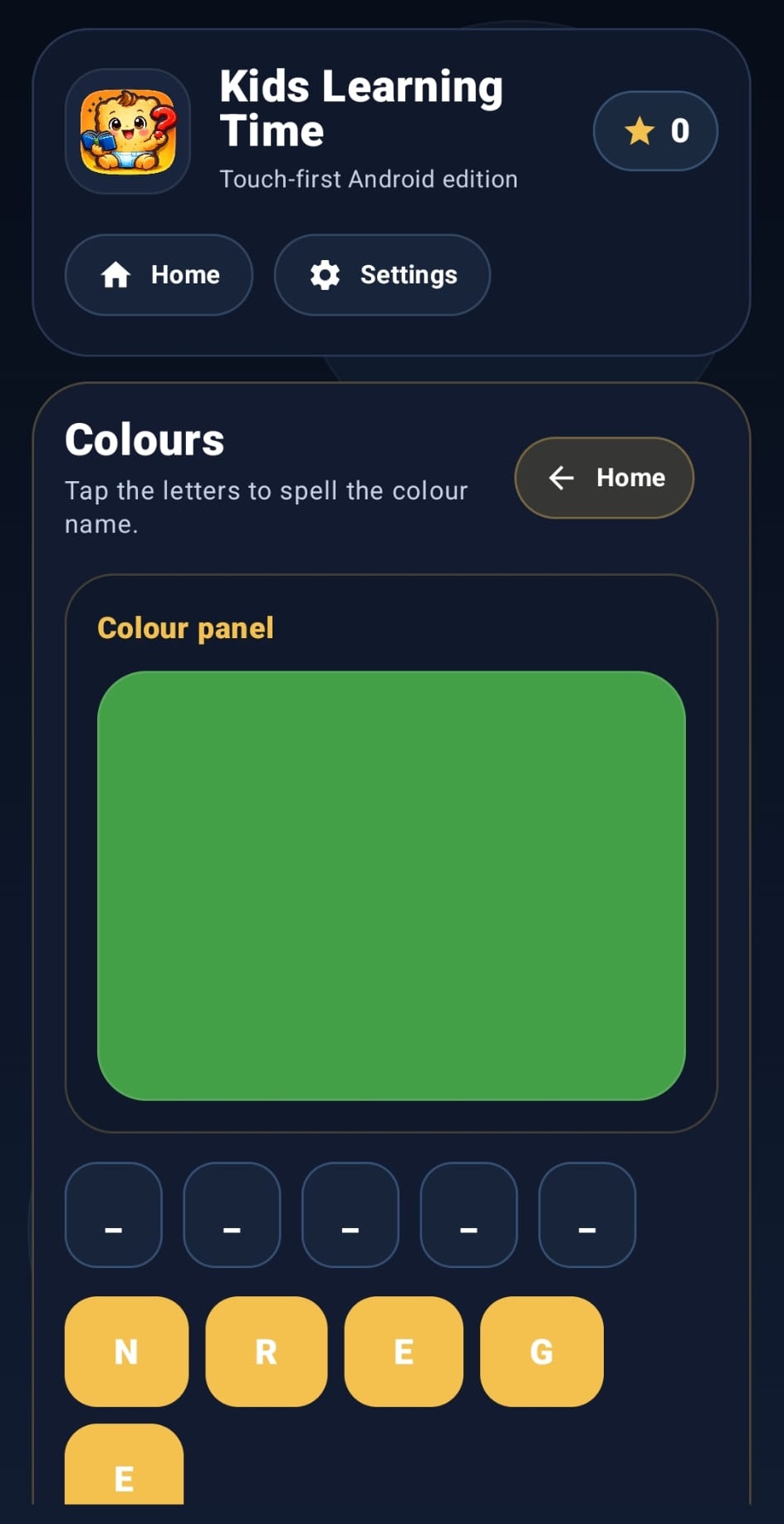
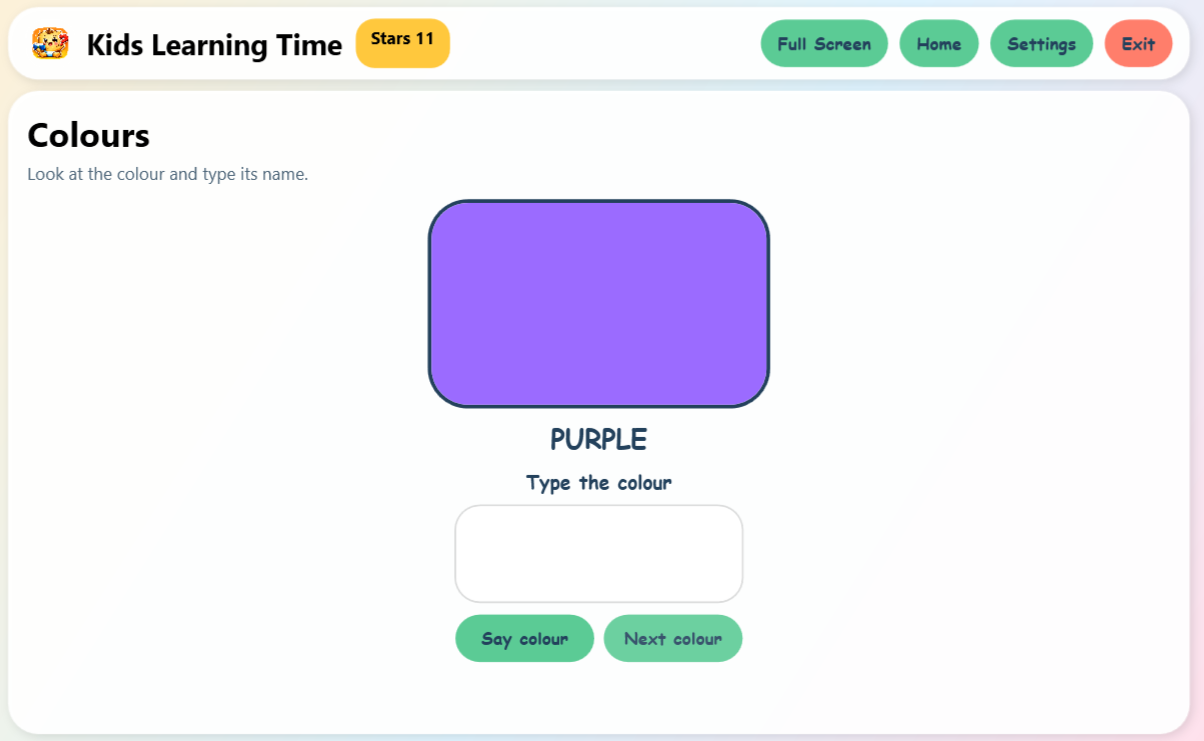
Colours and free writingwith keyboard support and spoken letters

Release direction

More updates to come.

That includes web games for kids, wider rollout, more content, and broader store availability as approvals complete.

Current releases

Windows, Android phones, and Amazon / Fire distribution are already available. Version 1.1 includes the Piper voice for natural English language narration.

Approval path

Microsoft & Amazon approved, Google Play approval pending for easier mainstream install paths.

Coming next

Web games for kids, more updates to come, more classroom-ready content, and broader device support.

Contact

Reach out directly for families, schools, or partnerships.

The contact form is protected with a simple captcha and sends straight to pettersuk@proton.me

  • Parent questions about safe downloads and home use
  • Teacher interest for classrooms and intervention support
  • School contact for pilots, rollout plans, and future releases
Captcha
7 + 1

Email directly